
Your email marketing results are largely determined before anyone reads a single word you write. The template you choose, how it is structured, and whether it is built on a professional foundation will shape whether a subscriber converts, ignores, or unsubscribes. Professional business email marketing templates reduce that risk by giving your campaigns a repeatable, brand-consistent structure that performs across devices, audiences, and campaign types.
On average, businesses make about $36 for every $1 they spend on email marketing. Yet that average obscures a wide performance gap. The top 8% of email programs, those hitting 45:1 or greater ROI, most commonly send newsletters and onboarding emails, not promotions. The structure behind those emails matters more than most marketers realize.
This guide covers every template category you need, what goes into each one, and how to build a system that consistently converts.
Key Takeaways
- Automated emails generate 320% more revenue than non-automated emails, and for every $1 spent, the average return is $36.
- Over 70% of emails are opened on mobile devices, and 80% of recipients delete emails that do not display properly. Mobile-responsive templates are not optional.
- Brands that use personalization increase email ROI by nearly 260%, achieving a 43:1 return compared to 12:1 for brands that never or rarely personalize.
- The welcome email template is arguably the most important template to get right. Subscribers who receive welcome emails show 33% more engagement with the brand.
- The most effective email marketing campaigns combine segmentation (78%), message personalization (72%), and email automation (71%).
Why Template Structure Drives Email Marketing Performance
Most email failures are structural, not creative. A well-written message inside a broken or poorly conceived template will still underperform. In 2024, 62% of teams took two weeks or more to send a single email. By 2026, 76% deploy within three days. That acceleration is largely driven by teams that have invested in solid, reusable templates.
A professional template does four things:
- Enforces brand consistency across every send, regardless of who produces the email
- Cuts production time by providing a pre-built layout that only needs content changes
- Reduces rendering errors by using tested HTML and CSS structures
- Improves deliverability because clean code and proper formatting are less likely to trigger spam filters
Poor formatting and display issues are major red flags for spam checkers. Responsive email newsletter templates improve deliverability by optimizing images, formatting, and content structure, which improves both deliverability and return on investment.
The 7 Core Professional Business Email Marketing Templates
The four primary types of email marketing are transactional, informational, promotional, and newsletter emails. Each type serves a distinct purpose, working to acquire, engage, and retain customers. In practice, most businesses need at least seven distinct templates to cover their full lifecycle.
1. Welcome Email Template
74.4% of consumers expect a welcome email. Welcome emails achieve open rates of 83.6%, which makes this the highest-leverage template in your library.
A strong welcome template should include:
- A clear, warm opening that confirms the subscription
- A brief statement of what the subscriber will receive and how often
- One primary call to action, such as visiting a resource or completing a profile
- Brand voice and visual identity set from the first email
For a detailed sequence approach, see our guide on Welcome Email Sequence Best Practices.
2. Newsletter Template
71% of B2B marketers use an email newsletter as part of their content marketing strategy, according to a 2025 report from the Content Marketing Institute. Newsletter templates need to handle multiple content blocks without losing visual hierarchy.
Key structural elements for a newsletter template:
- A single-column or hybrid layout that stacks cleanly on mobile
- A clear header with logo and date
- Modular content blocks so the same template works for different content volumes
- A consistent footer with unsubscribe, social links, and address
Using newsletter templates is a great way to scale your email marketing efforts. They come with pre-built layouts that separate text and visuals and cut newsletter creation time by nearly half.
3. Promotional Email Template
61% of consumers prefer to receive promotional information via email. Promotional templates need to move fast. The goal is one message, one offer, one action.
The most effective structure follows the inverted pyramid: the inverted pyramid structure follows how readers naturally scan information. It starts with a strong headline or image that captures attention, moves into a short section that builds interest, and ends with a clear call to action.
Do not include multiple competing CTAs in a promotional template. Top-performing promotional emails focus on one primary action rather than multiple competing CTAs, use mobile-first design for an optimal cross-device experience, and use scannable layouts that guide the reader's eye.
4. Abandoned Cart Recovery Template
Automated cart abandonment emails convert at around 2%. That rate climbs significantly when the template includes personalized product images, a clear recovery CTA, and a sense of appropriate urgency.
A high-performing cart recovery template includes:
- A subject line that references the item left behind
- A product image pulled dynamically from the cart
- A single "Complete Your Purchase" button
- Optional: a limited-time discount or free shipping offer
5. Re-Engagement (Win-Back) Template
Every list accumulates inactive subscribers over time. Automated emails triggered by customer behavior can significantly improve engagement. They generate 320% more revenue than non-automated ones. A win-back template should acknowledge the gap, offer something of value, and make it easy for the subscriber to either re-engage or cleanly exit.
6. Transactional Email Template
Transactional emails are automated messages triggered by a specific transaction or user request. Unlike marketing emails, their primary purpose is functional: confirming an action, delivering information, or providing account updates.
Order confirmations, shipping notifications, and password resets belong in this category. Keep transactional templates clean, text-forward, and free of heavy imagery. This format works well for password resets, order confirmations, account updates, and other transactional messages. It can also be a great choice for welcome messages or personal outreach, where a conversational tone helps build trust.
7. Event or Announcement Template
If you regularly host events such as community classes, live demonstrations, or industry summits, your email marketing strategy is your most valuable resource for attracting attendees. Create an announcement email and send it to your subscribers as early as possible.
Event templates need a clear date, a single registration CTA, and enough visual weight to make the email feel important without burying the key information.
Mobile Responsiveness Is Non-Negotiable
In today's crowded inboxes, your email's first impression happens on a phone. With over 60% of emails now opened on mobile devices, designing campaigns that look flawless everywhere is no longer optional.
50% of people will delete an email if it is not optimized for mobile. That stat alone should drive every template decision you make.
Core mobile responsive design requirements for professional business email marketing templates:
- Start with simple, single-column layouts and readable fonts at 16px or larger for body text.
- Use large, colorful buttons for CTAs, as buttons are 25% more likely to be clicked than a link alone. A link can be challenging to find and click on a smartphone. The suggested minimum size for a CTA button is 44px by 44px.
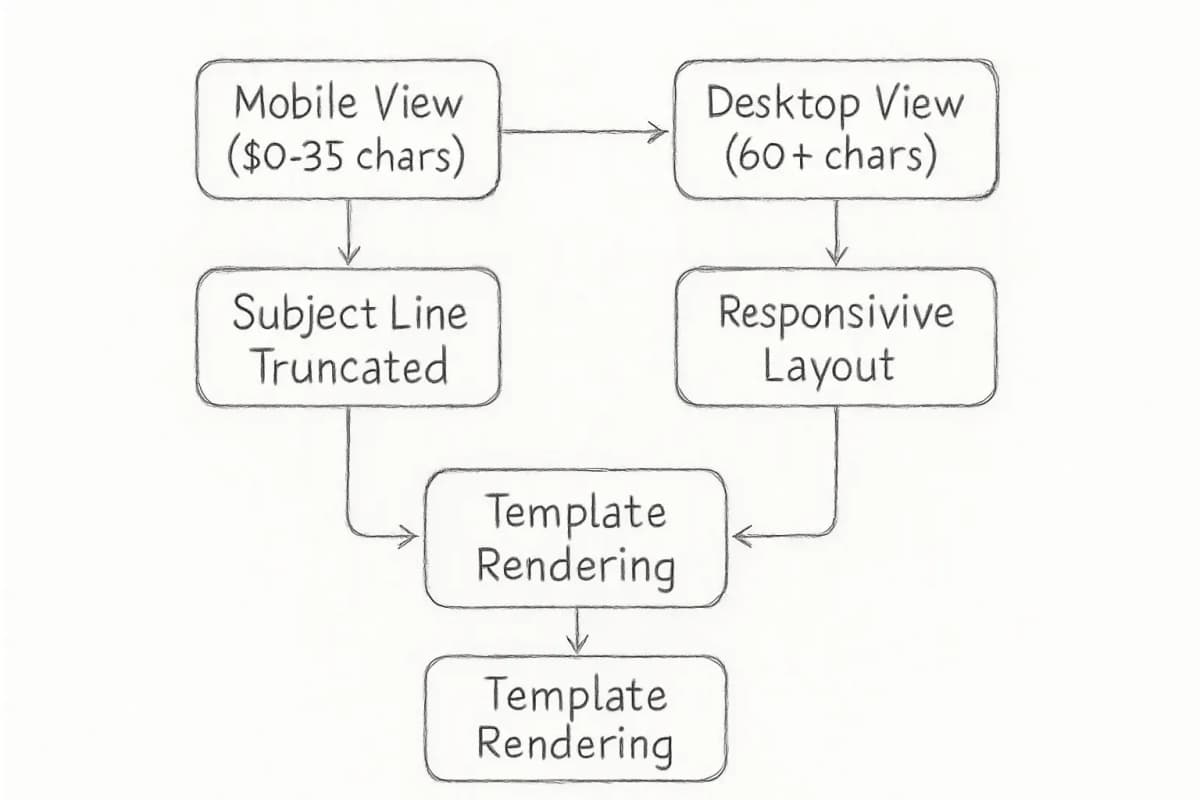
- While desktop allows up to 60 characters in a subject line, mobile only has capacity for 30 to 35 characters.
- Test across multiple email clients before sending. Different email platforms interpret HTML and CSS in unique ways, which means an email that looks flawless in Gmail might appear distorted in Outlook.
Personalization Inside Templates: How to Build It In
Personalization is not a post-production addition. It needs to be built into the template architecture from the start. Personalized emails increase opening rates by 26%, with 80% of consumers more likely to convert and purchase.
Modern professional business email marketing templates support personalization at three levels:
- Dynamic subject lines and preview text: Merge tags for first name, company name, or last purchase
- Conditional content blocks: Show different content to different segments within the same send
- Dynamic product recommendations: Pull from behavioral data to populate product or content suggestions automatically
Brands using AI-driven personalization report up to 42% higher revenue, with click-through rates exceeding 13%. This alone can lift ROI by nearly 20%.
For practical techniques you can apply now, see our full breakdown of 7 Email Personalization Techniques That Boost Conversions 47%.
Template Anatomy: What Every Section Must Do
Every component of a professional email template has a specific job. Weak templates fail because individual sections do not carry their weight.
| Section | Primary function |
|---|---|
| Pre-header text | Extends the subject line. Drives opens before the email body is seen. |
| Header/logo | Confirms sender identity immediately. Builds trust. |
| Hero image or headline | Communicates the core message in under 3 seconds. |
| Body copy | Provides context and supports the CTA. Should be scannable. |
| CTA button | Drives the single desired action. One per email where possible. |
| Footer | Legal compliance (CAN-SPAM/GDPR), unsubscribe link, address. |
According to HubSpot research, customized calls to action convert 202% better than generic ones. "Learn More" and "Click Here" do not cut it. Every template CTA should be specific to the action and audience.
Segmentation and Template Selection
Choosing the right template is not just about design. It depends on where the subscriber is in your lifecycle and what segment they belong to.
Across all industries, 32.55% is the average open rate for email marketing. Segmented campaigns consistently outperform batch-and-blast sends by a wide margin. When a template is matched to the right segment, those numbers improve further.
A practical framework for matching templates to segments:
- New subscribers: Welcome sequence template (automated, 3 to 5 emails)
- Engaged active subscribers: Newsletter template or promotional template
- High-value purchasers: VIP or exclusive offer template with dynamic product content
- Inactive subscribers (60 to 90 days): Re-engagement or win-back template
- Cart abandoners: Abandoned cart recovery template with product data
For a deeper look at how segmentation drives revenue, see Email List Segmentation Strategies That Boost ROI by 760%.
Measuring Template Performance
Multi-channel attribution and MQLs jumped 22% year-over-year as email campaign reporting moves away from engagement proxies toward revenue accountability. Bot-driven phantom engagement has made open rates unreliable, pushing high-performing teams toward revenue per email, list churn, and lifetime value as the metrics that matter.
When testing professional business email marketing templates, track these metrics by template type:
- Conversion rate: A good email marketing conversion rate typically falls between 2% and 5% across all industries, though results vary based on what action you are measuring and the industry.
- Click-to-open rate (CTOR): Measures content relevance, independent of deliverability variables
- Revenue per email sent: The clearest proxy for template effectiveness tied to business outcomes
- Unsubscribe rate: A rising unsubscribe rate on a specific template type signals a mismatch between expectation and content
Marketers who A/B test their emails often increase email ROI by 86%, reaching a 42:1 return compared to 23:1 for those who never test. Build A/B testing into your template workflow from day one. Test one variable at a time: subject line, CTA text, hero image, or layout structure.
Frequently Asked Questions
What makes a business email marketing template "professional"?
A professional template combines consistent brand identity, mobile-responsive structure, clean HTML code, a single clear CTA, and legal compliance elements (unsubscribe link and physical address). It performs reliably across major email clients including Gmail, Outlook, and Apple Mail, and it is built to be reused with minimal modification between sends.
How many email templates does a business actually need?
Most businesses need a minimum of five to seven core templates: a welcome email, a newsletter, a promotional email, a transactional confirmation, an abandoned cart recovery, a re-engagement email, and an event or announcement template. There are options for welcome emails, deal and special offer campaigns, event emails, and more, all serving the purpose of keeping outreach consistent and cohesive. Additional templates may be built for product launches, review requests, or onboarding sequences.
Should templates be built from scratch or use a platform's pre-built library?
Pre-built templates from reputable email service providers are a reliable starting point. Most pre-built templates come extensively tested for rendering issues, making them a safer bet for marketers. Customize them to match your brand rather than building from scratch unless you have dedicated HTML email development resources. Always test across devices and email clients before deploying any template to a live audience.
How often should email templates be updated or refreshed?
Templates should be reviewed at least once a year for design relevance, deliverability compliance, and brand alignment. In 2024, 62% of teams took two weeks or more to send a single email, but by 2026, 76% deploy within three days, largely because their template libraries are well-maintained and production-ready. Refresh individual sections (hero images, CTA copy, modular blocks) as often as needed without rebuilding the entire template.